← Back to work
Software
Software
Despiece Fácil
Software for cabinetmakers: pick or sketch a piece of furniture, see it in 3D, and get the parts list, cutting layout, quote and assembly manual.
The cabinetmaker sketches by hand and works out every part on paper. The usual mistakes: a measurement subtracted wrong by forgetting the board thickness, the edge banding or the drawer-slide clearance; wasted board; and redoing every number when the client changes a dimension.
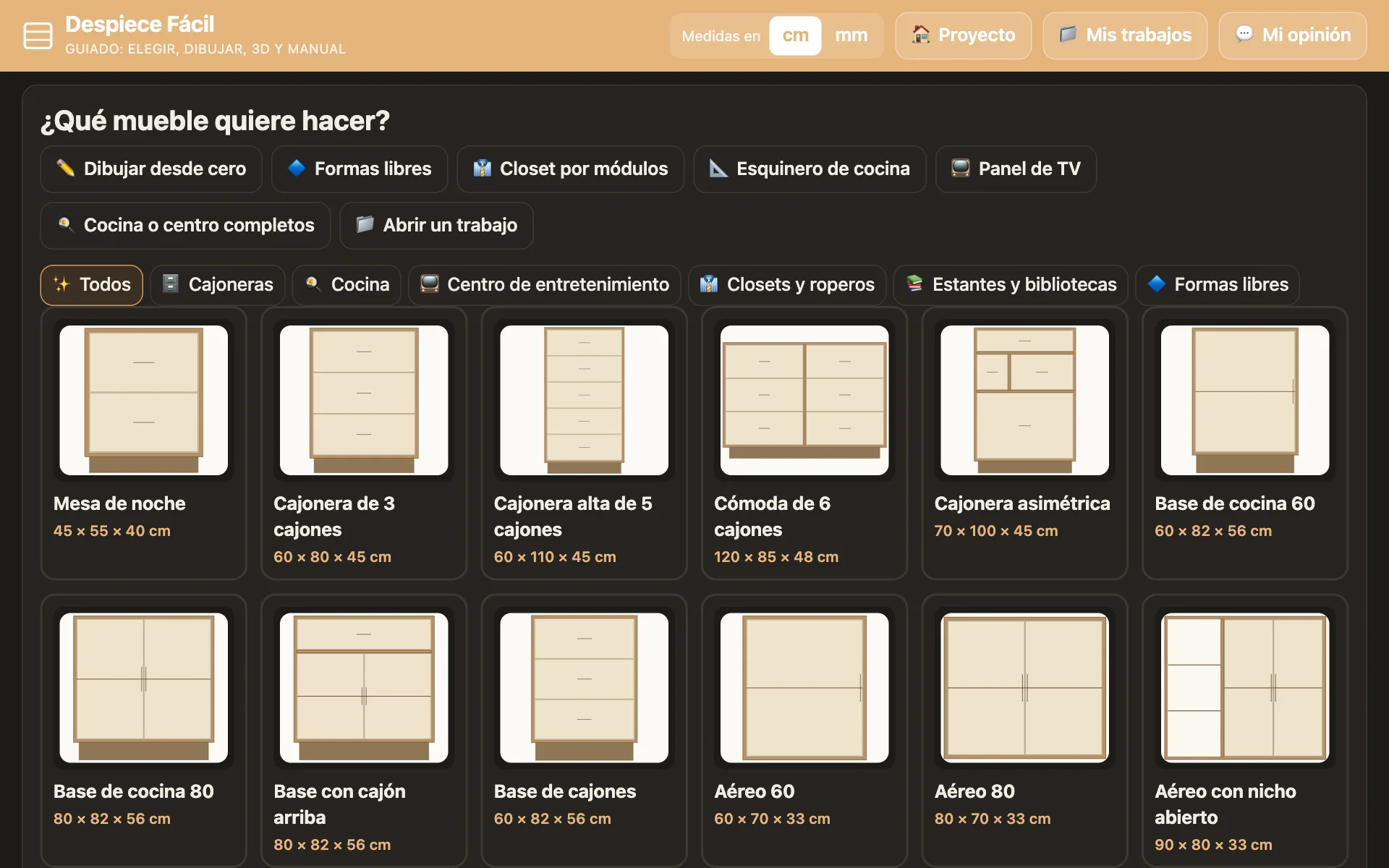
- Eight guided steps. Choose, dimensions, construction, layout, hardware, colors, cut list and done. Start from a gallery of furniture or from a line sketch.
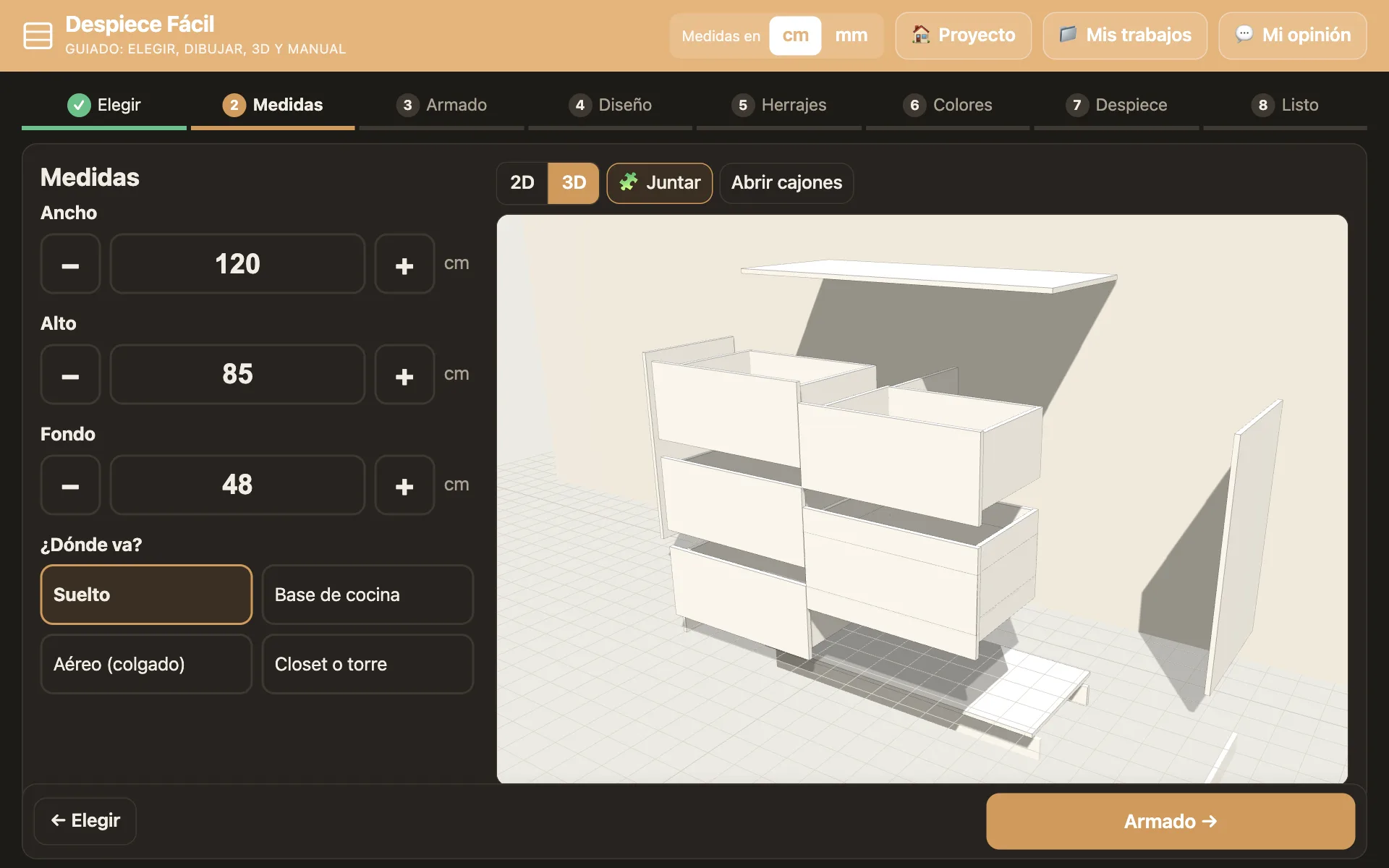
- 3D view. The piece is assembled on screen, pulls apart into its parts and opens its drawers, so the client can approve it before anything is cut.
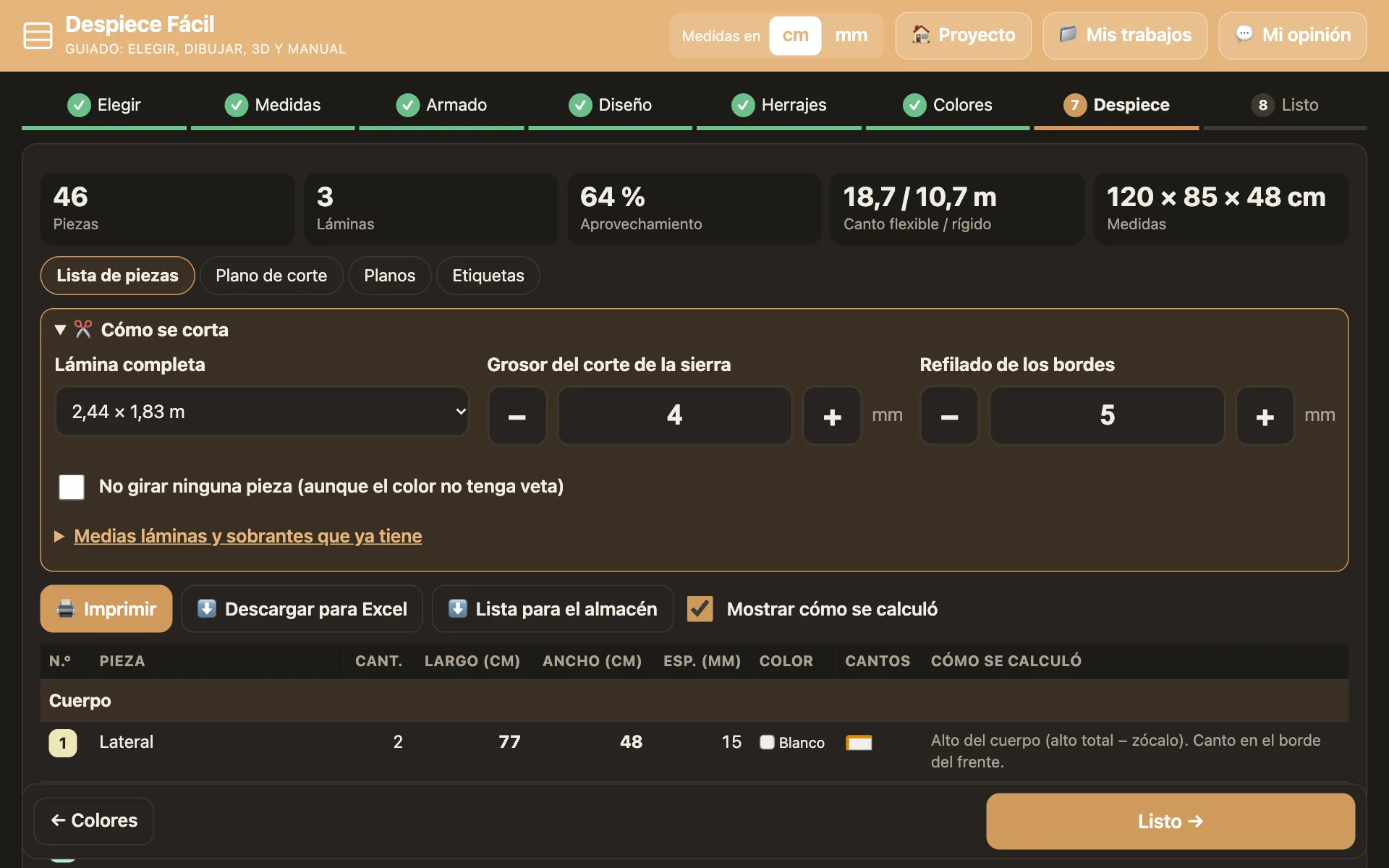
- Parts list. Every part with its dimensions, its edge banding and a note on how it was calculated.
- Cutting layout. Fits the parts onto the sheets accounting for blade thickness, edge trim and grain, and tells you how many sheets to buy and how much of them is used.
- For the shop and the client. Labels, a list for the lumber yard, an Excel download, a quote and a printable assembly manual.
- Change one dimension and everything recalculates on its own.
- The cutting and hardware rules come from interviewing a cabinetmaker: thicknesses, edge banding, slide clearances and saw kerf.
- 238 automated tests check the calculations.
- Status: prototype being validated with a cabinetmaker.
- JavaScript
- Three.js
- SVG
- HTML · CSS
- No build step
- Tests with Node.js